

A Lightweight, Native USB Media Writer for macOS
Make bootable USB drives and SD cards for Linux distros, Raspberry Pi, and more.
Download for Mac View source on GitHub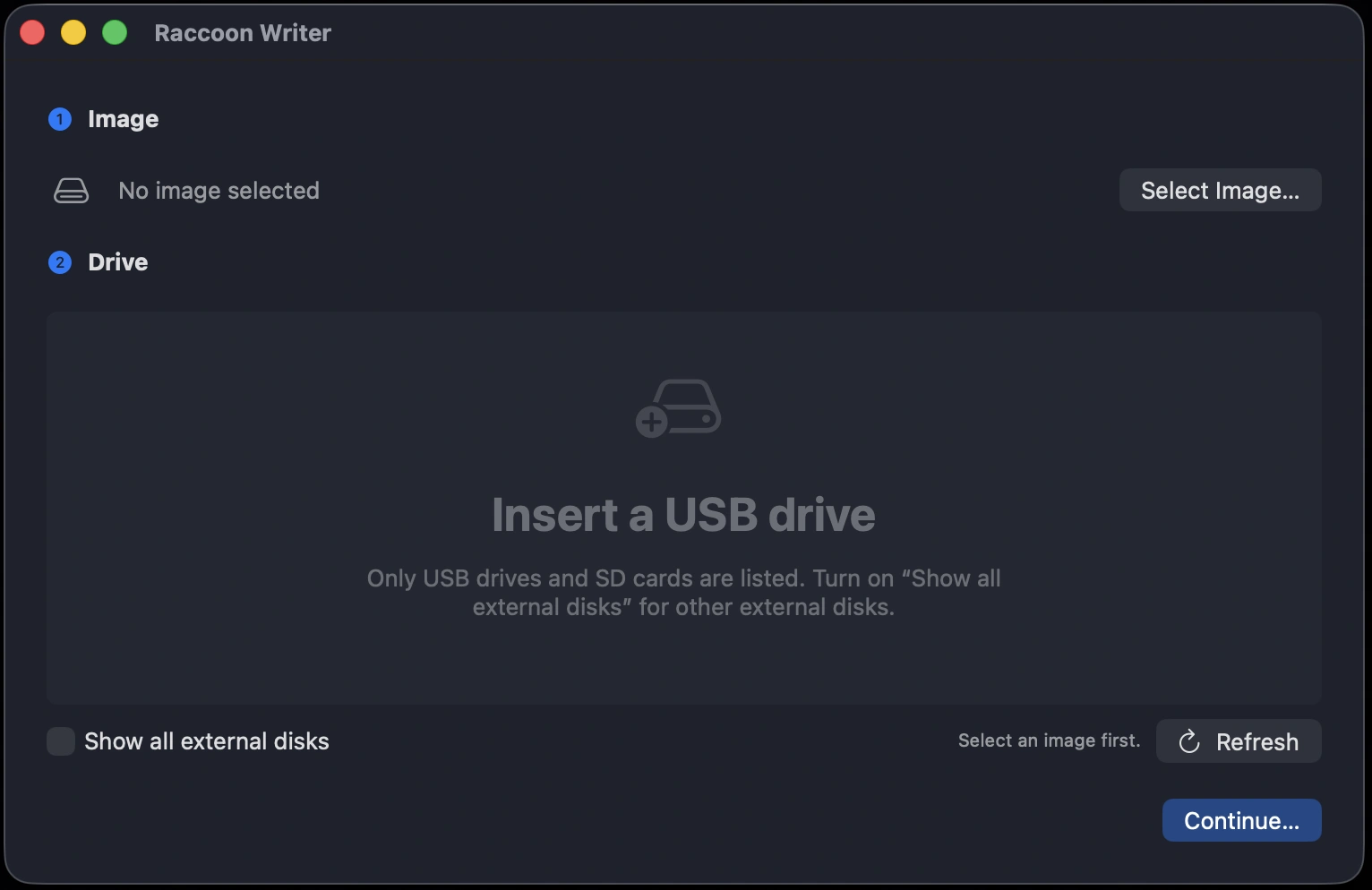
Features
-
Native and lightweight
4.7MB. Built with SwiftUI, runs on Apple Silicon and Intel. No Electron, no bundled browser engine, no dependencies.
-
Safe by design
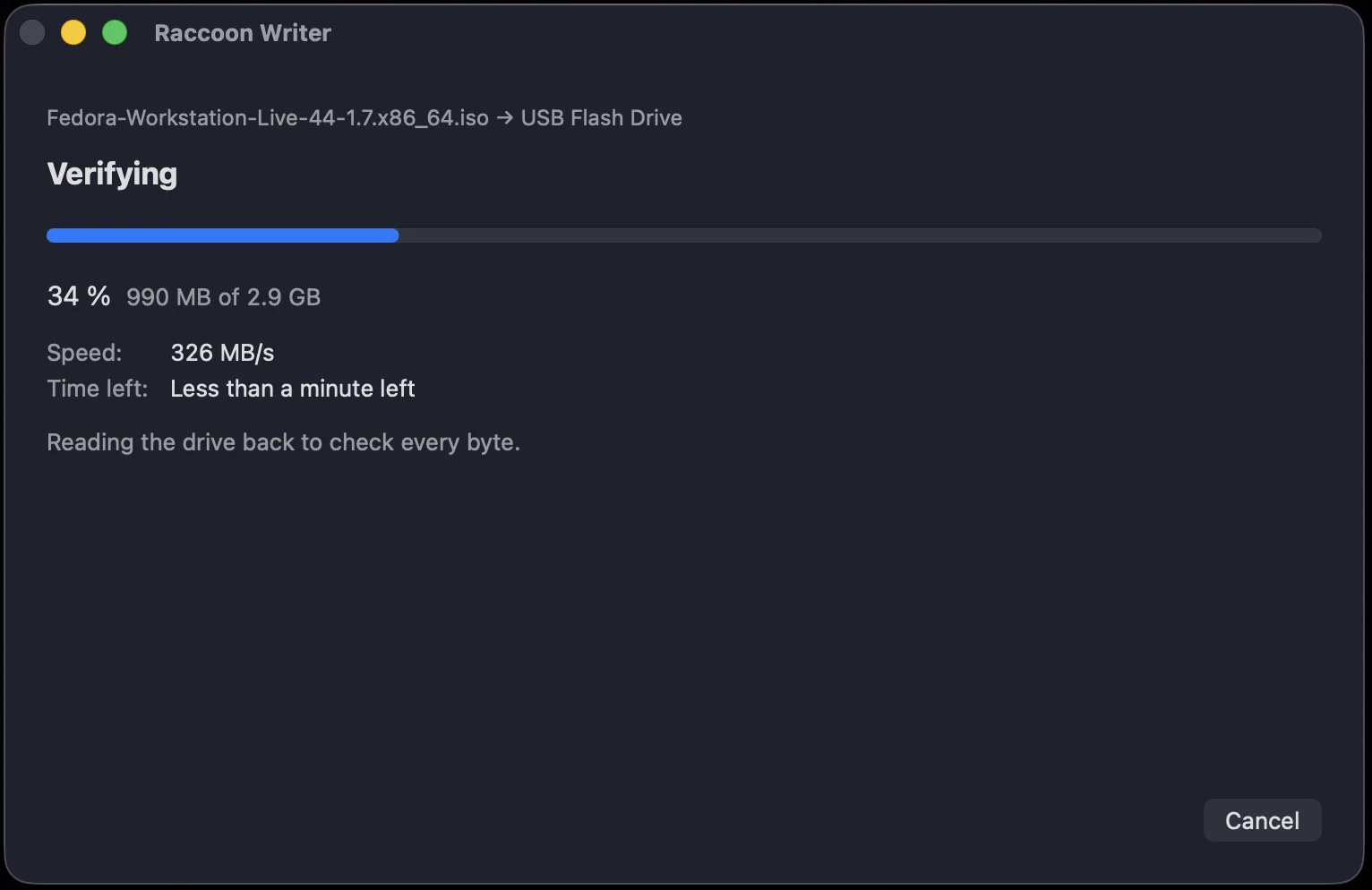
Your startup disk and internal drives are always hidden. Clear labels help you identify the correct USB drive. Writes are verified every time.
-
No telemetry
No analytics, no crash reporters, no accounts, and no third-party packages that could add them. Transparent and open-source.
How it works
-
Choose image
Pick any .iso or .img, like Ubuntu, Fedora, Debian, or Raspberry Pi OS.
-
Choose drive
Only USB drives and SD cards are listed by default.
-
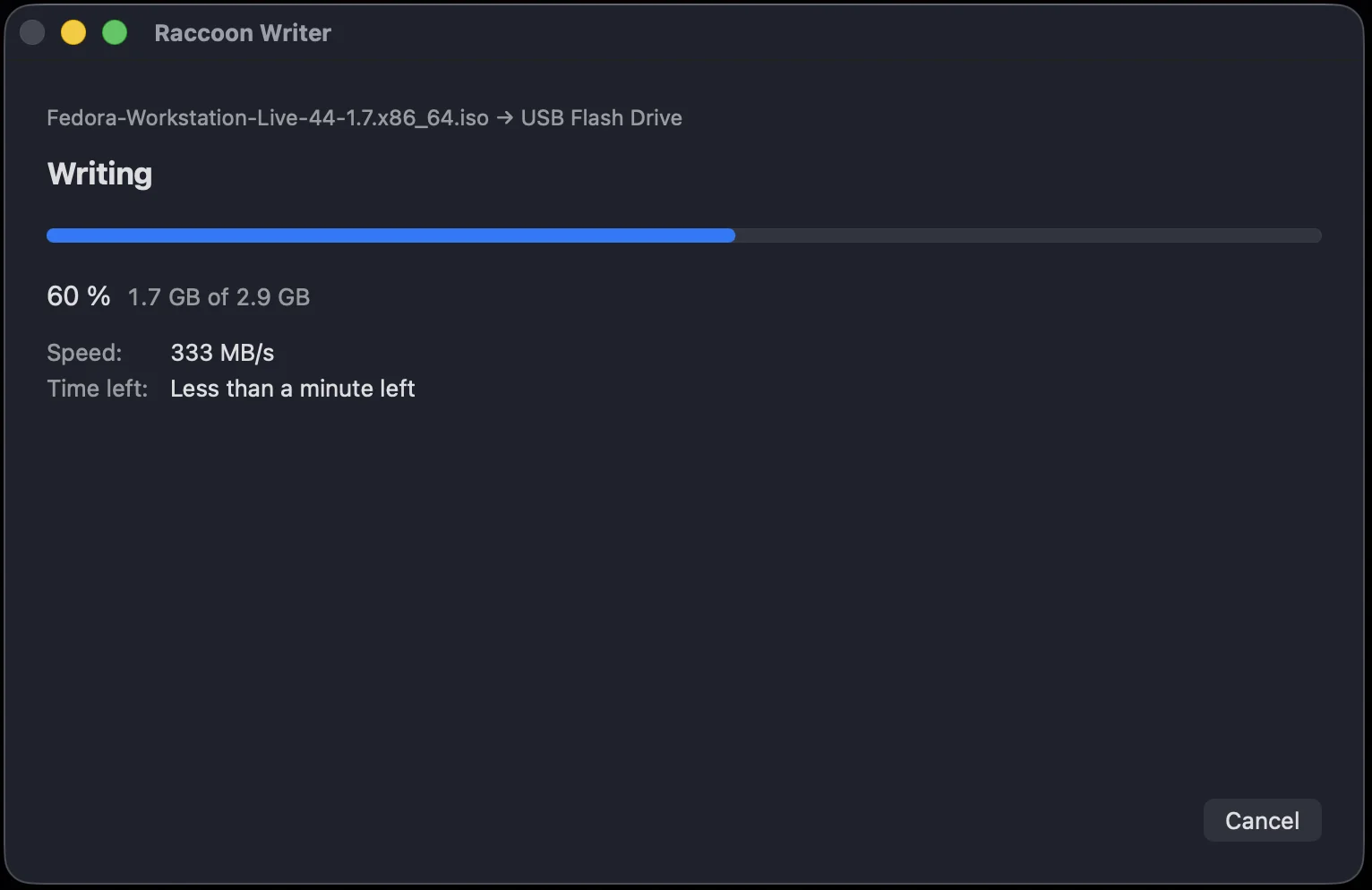
Write & verify
Written, checked byte by byte, then ejected.
Requirements
- macOS 14 or later.
- .iso and .img files only.
- Windows ISOs are not supported, and the app warns when an ISO probably won’t boot from USB.